← Back to blog
TutorialPublished April 28, 2026 · 3 min · 5 min video
Watch: zero to live in 5 minutes
Walkthrough video — install the desktop app, sign in, set up a character, connect Twitch, and go live. Complete first-stream tutorial.
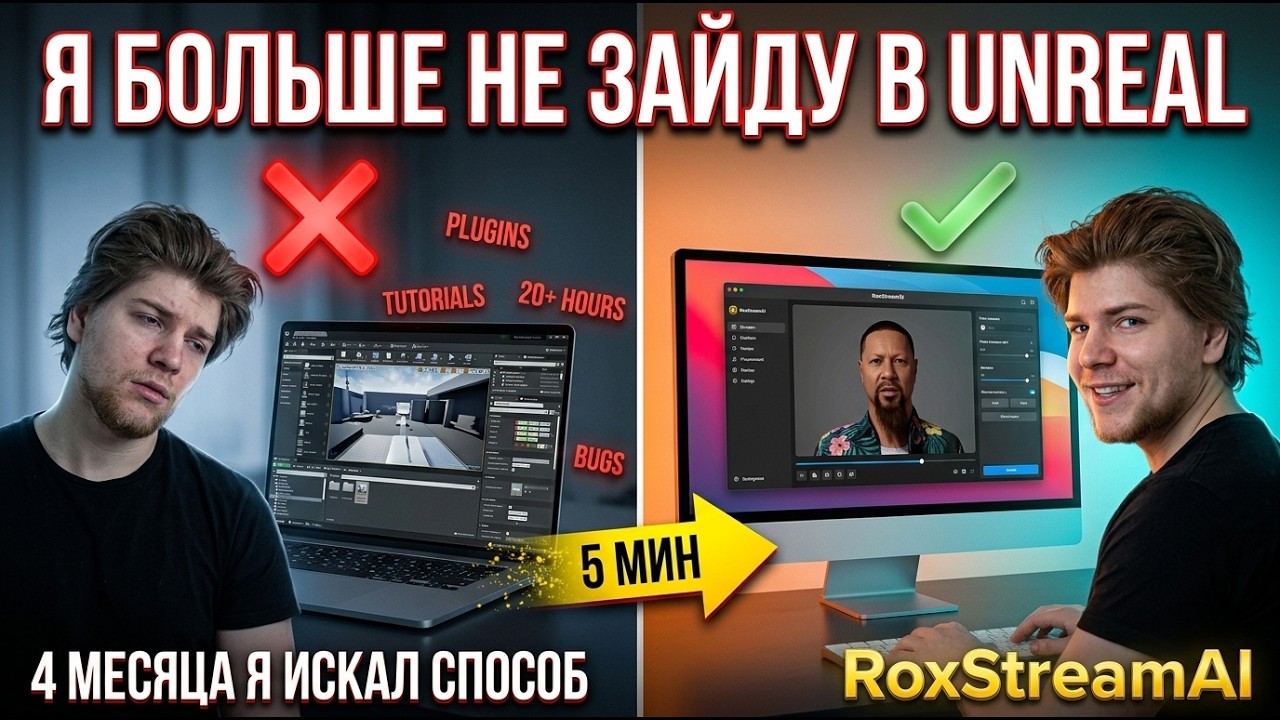
Watch on YouTube ↗
YOUTUBE · gr5K0JUDy6YGRIMASA — first-stream tutorial
What's in the video
A complete first-stream walkthrough — the same path you'd take if you signed up today. We start from scratch, install the Windows desktop app, sign into the account, pick a starter AI character, connect a Twitch channel, and go live in front of real chat.
Sections covered
- Account creation + email confirm
- Downloading and installing the Windows app
- First-launch onboarding inside the desktop app
- Picking a starter character + adjusting voice and personality
- Connecting Twitch via OAuth
- Hitting Go Live and watching the AI host read chat
- Taking the mic mid-stream with push-to-talk
Who this is for
Brand new users wondering whether the setup is genuinely as fast as we claim it is. (Spoiler: yes, if you have your AI provider key ready or use included credits.)
Watch on YouTube
The video is hosted on our channel — feel free to like, comment, and subscribe if it's useful. We'll publish more setup tutorials and feature deep-dives there as the product grows.