How it works
Process.
Three steps from a fresh install to your first live AI-hosted session. Setup happens in the Windows desktop app — the website is for your account.
visualization
- 01
Create your character.
Pick a name, voice, personality, and language. Set ground rules and stop phrases so the host stays on-brand. All in the desktop app.
- 02
Connect your stream.
Link Twitch, YouTube, or TikTok. Wire your AI provider keys (BYOK) — they stay on your machine. Add OBS WebSocket if you want overlay control.
- 03
Go live.
Hit Go Live. Your character reads chat, reacts to gifts, and runs the stream. Take the mic any time, switch scenes, or let it run 24/7.
Watch the tutorial
Watch the tutorial
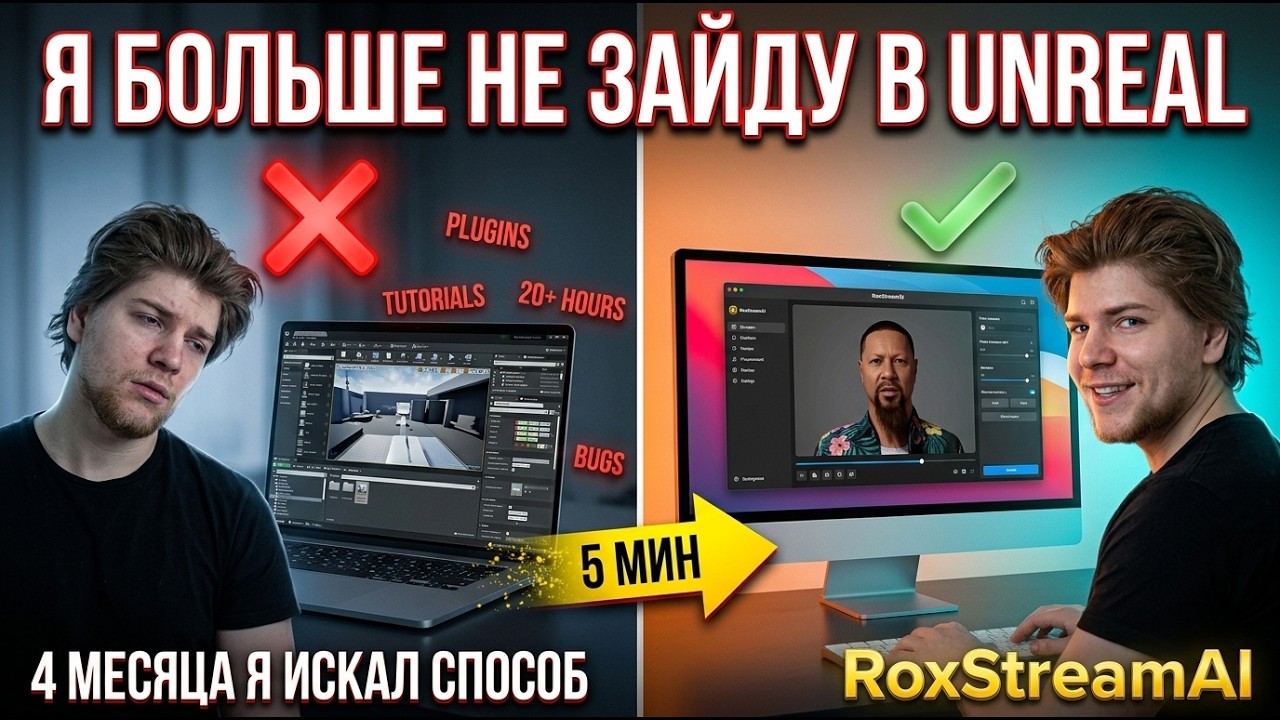
Full setup walkthrough — start to first stream.
Watch tutorial
▸ YOUTUBE · gr5K0JUDy6YOpen in YouTube ↗
Ready to set yours up?
Download the Windows app, sign in, and follow the in-app onboarding.